


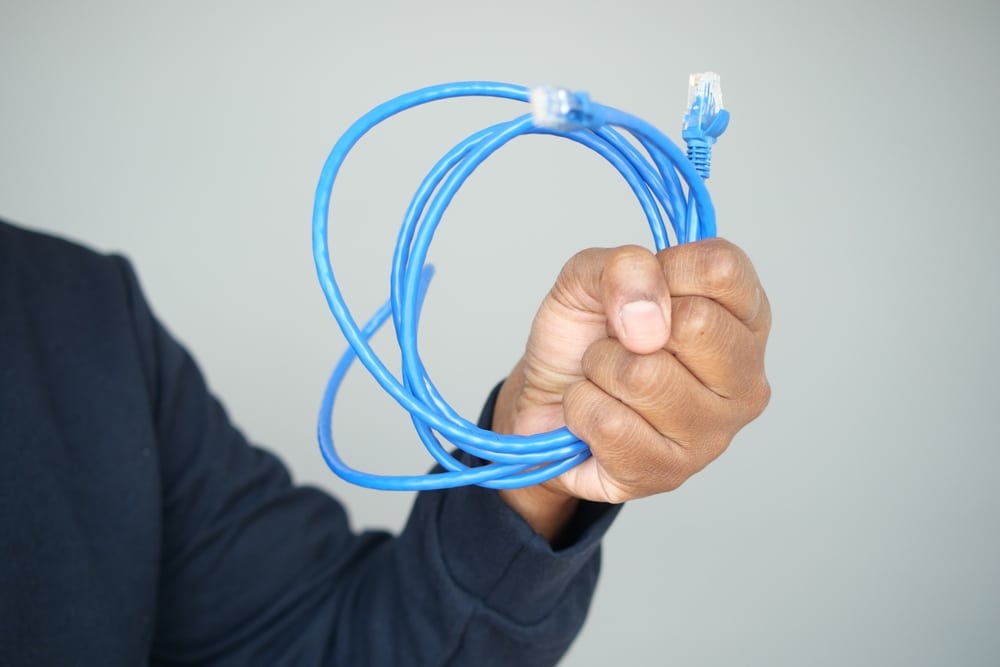
Dental Computer Cabling and the Technology Drawing Power Through Your Network
The idea behind Dental Computer Cabling and the Technology Drawing Power Through Your Network is simple: modern dental offices depend on more than computers. Phones, cameras, wireless access points, imaging stations, and other connected tools all need reliable pathways for power and information. Power over Ethernet, or PoE, helps by sending electricity and data through one network cable instead of requiring a separate power cord for every device.
What is Power over Ethernet in a dental office?
Power over Ethernet is a way for compatible network equipment to receive both power and data through the same cable. In everyday terms, the cable that lets a device communicate with your network can also keep that device turned on. For a dental practice, that may mean a front-desk phone, hallway camera, treatment-room wireless access point, or other connected device can operate without needing a nearby wall outlet.
This is one reason dental computer cabling should be planned carefully. A cable is no longer “just a cable” when it may be carrying the connection and the power a device needs to work all day.
PoE makes connected equipment easier to place
Good dental IT cabling supports flexibility. Wireless access points can be mounted where coverage is strongest, not only where power outlets happen to be. Network cameras can be placed for visibility and safety. Phones can be added to operatories, consult rooms, and administrative areas with less clutter.
PoE can also make troubleshooting cleaner because fewer cords and adapters are involved. However, the network switch must be able to supply enough power for the connected devices. If the switch is underpowered, overloaded, or not designed for PoE, equipment may drop offline, restart unexpectedly, or perform inconsistently.
Infrastructure details that affect PoE reliability
When new PoE equipment is added, hidden weaknesses in the network often become obvious. A practice may have enough wall ports for basic computers, but not enough switch capacity for powered devices. Poor cable planning can create long, confusing runs, crowded pathways, or connections that are hard to trace when something fails.
Undocumented connections create another common problem. If no one knows which port feeds which camera, phone, or access point, adding equipment becomes guesswork. That can lead to unplugging the wrong device, overloading a switch, or delaying repairs during a busy clinical day.
A reliable plan should account for:
- Switch capacity: enough ports and PoE power for current and future devices.
- Cable routes: organized pathways that reduce confusion and support performance.
- Labeling: clear identification at wall plates, patch panels, and switches.
- Documentation: a simple map of what each connection supports.
- Growth: room for additional phones, cameras, wireless access points, and workstations.
Dental IT support turns cabling into a usable system
Professional dental IT services look beyond whether a cable is plugged in. The goal is to make sure the network can support clinical workflows, patient communication, imaging access, Wi-Fi coverage, and office security tools without unnecessary downtime.
Dental IT network support can also help practices evaluate existing cabling before adding PoE devices. That review may uncover old wiring, unmanaged switches, missing labels, or network closets that have grown without a plan. Fixing those issues early is usually easier than troubleshooting them after new equipment is installed.
The takeaway
PoE can simplify a dental office network, but only when the cabling, switches, and documentation are ready for it. Strong planning turns dental IT cabling into a dependable foundation for the technology your team uses every day.