
Dental IT Solutions for the Five-Minute Gaps Between Appointments
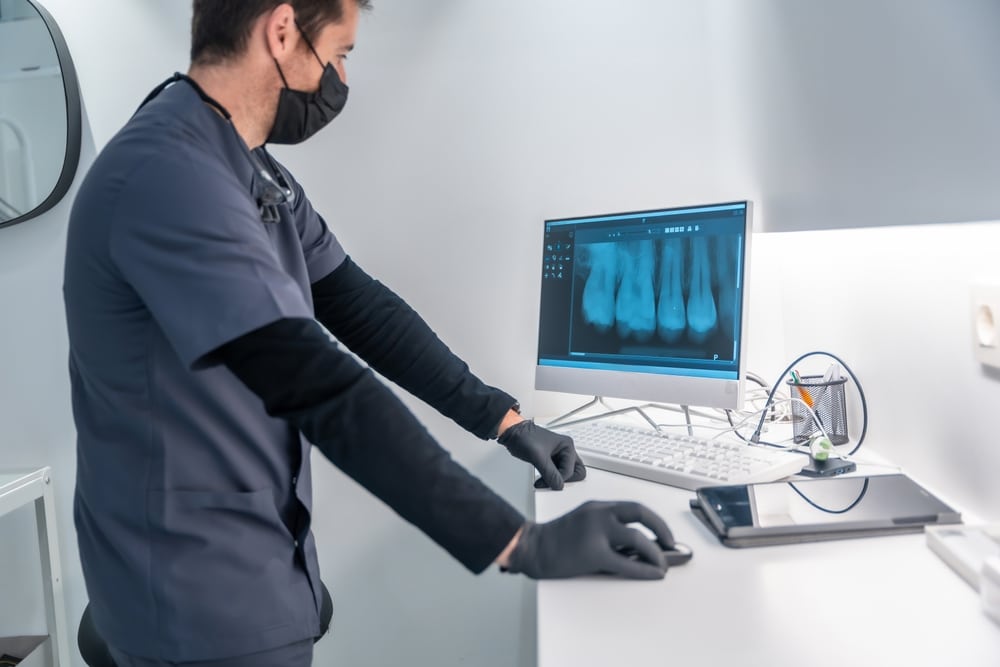
A dental practice does not need to experience a system outage to lose valuable clinical time. Sometimes, the schedule falls behind in much smaller increments: 20 seconds waiting for a chart, another minute retrieving images, a delayed label at the printer, or repeated logins when moving between operatories.
Individually, these interruptions seem minor. Collectively, they consume the narrow turnaround period between patients—the few minutes when teams must finish documentation, prepare the operatory, review the next chart, and coordinate the handoff.
Effective dental IT solutions protect these transition points, not only the major systems running behind them.
Five Minutes Is a Workflow, Not a Break
The gap between appointments is often treated as empty space on the schedule. Operationally, it is a compressed sequence of technology-dependent tasks.
A clinical team may need to:
- Complete or update the previous patient’s chart
- Save radiographs and clinical photographs
- Send treatment information to the front desk
- Open the next patient’s records and medical history
- Confirm imaging and software access in another operatory
- Print labels, consent forms, estimates, or referral documents
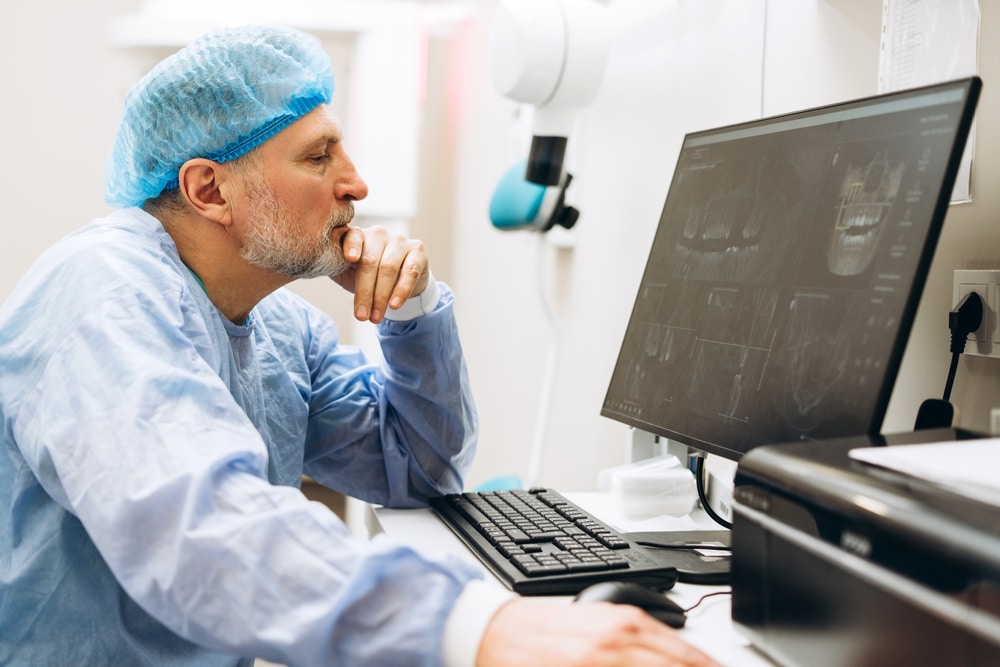
Each action may rely on a different workstation, application, device, or network connection. When one component responds slowly, the five-minute gap loses its flexibility. Staff begin the next appointment still completing tasks from the previous one.
Micro-Delays Rarely Look Like IT Problems
Major downtime is visible. Everyone recognizes when the server is unavailable, or the practice management software will not open. Micro-delays are harder to identify because the technology technically continues working.
A chart that loads in 12 seconds instead of three may not generate an error. An imaging computer that occasionally disconnects may work again after a restart. A printer queue may eventually release every document. These issues can be dismissed as normal inconveniences even though they repeatedly interrupt patient flow.
This is where responsive dental IT support should go beyond confirming that a device is online. The more useful question is whether the technology performs quickly and consistently at the precise moment the clinical team needs it.
Operatory Switching Exposes Hidden Friction
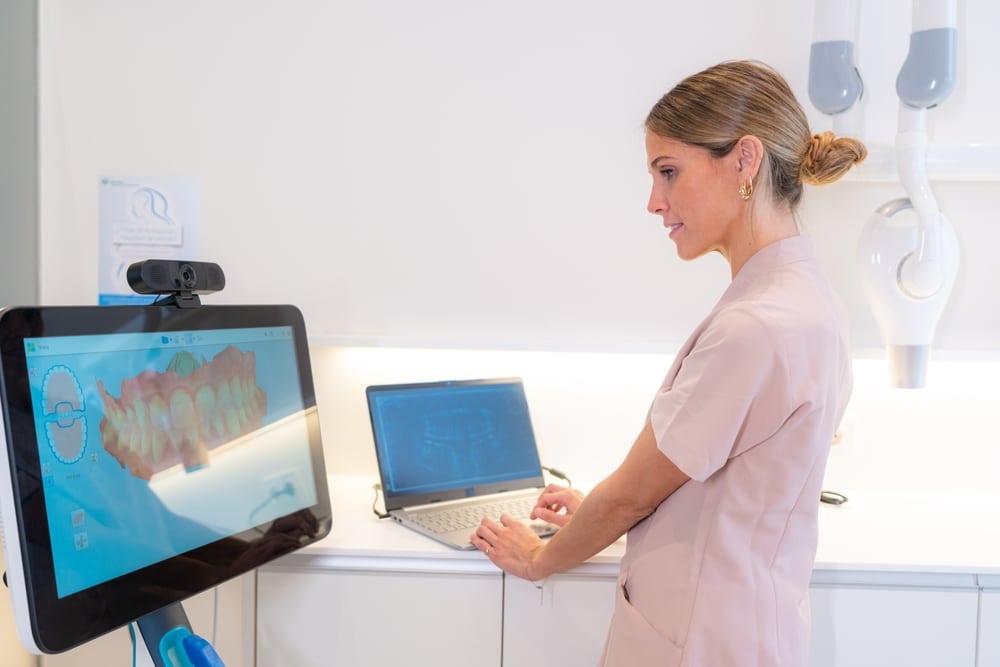
Moving between rooms can reveal inconsistencies that remain unnoticed when devices are assessed individually. One workstation may load charts quickly while another struggles with imaging. A clinician’s credentials may work in one application but require additional authentication elsewhere. A shared printer may be mapped differently across computers.
These variations force employees to develop workarounds: returning to a preferred computer, asking someone else to print a document, leaving a program permanently signed in, or postponing chart completion until later.
Workarounds may preserve the immediate appointment, but they also create documentation backlogs, inefficient movement, and potential security concerns. Managed dental IT services can examine the complete operatory handoff and standardize workstation configurations, software access, printer connections, permissions, and login procedures.
Printer Queues Can Affect More Than Paper
Printers are easy to overlook when evaluating clinical efficiency, yet a stalled queue can interrupt several parts of the patient journey. A delayed prescription, consent form, routing slip, or treatment estimate may keep the patient in the chair or send staff searching for another device.
The underlying cause may not be the printer itself. Network communication, outdated drivers, duplicate printer mappings, wireless instability, or an overloaded print server can all create inconsistent results. Dental network monitoring and routine technology maintenance help distinguish an isolated equipment problem from a wider infrastructure issue.
Measuring Lost Seconds Reveals the Real Pattern
The most meaningful technology assessment may begin with observation rather than a list of devices. Which screens make employees wait? Where do they sign in repeatedly? Which operatory sends staff back to the front desk? What information fails to follow the patient smoothly from reception to treatment to checkout?
This workflow-focused approach helps dental IT companies locate delays that a basic system check may miss. It also allows improvements to be prioritized according to their effect on clinical operations rather than the age or visibility of the equipment.
Protect the Transitions That Protect the Schedule
Fast technology is valuable, but consistent technology is what keeps a dental schedule moving. Workstations, practice management software, imaging systems, printers, user access, and network connections must function as one coordinated environment.
Priority Networks provides proactive dental IT solutions designed around the way dental teams actually work. By examining the small transitions between patients, dental-focused IT support can address recurring friction before lost seconds become late appointments, rushed handoffs, delayed documentation, and an increasingly compressed day.